Plan each course in one place
Keep lesson plans, class notes, reading lists, policies, and teaching materials together. Update them with colleagues without passing another document around.
Learn more about Plan each course in one place
Plan lessons, share materials, track assignments and research, and use AI to answer questions and take care of repetitive admin.
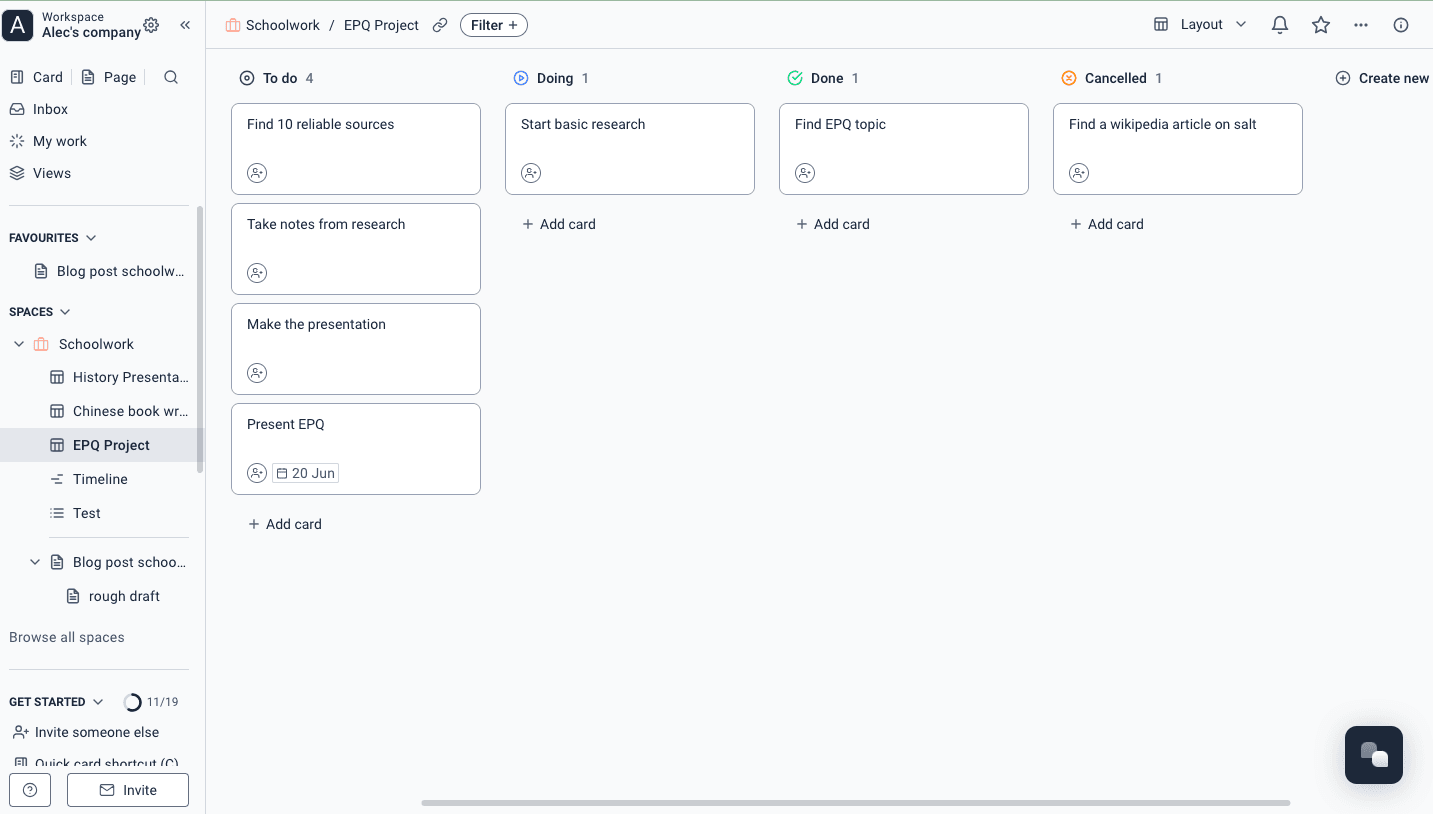
Lesson plans, class notes, assignments, research, meetings, and requests stay close to the people doing the work.
Keep lesson plans, class notes, reading lists, policies, and teaching materials together. Update them with colleagues without passing another document around.
Learn more about Plan each course in one place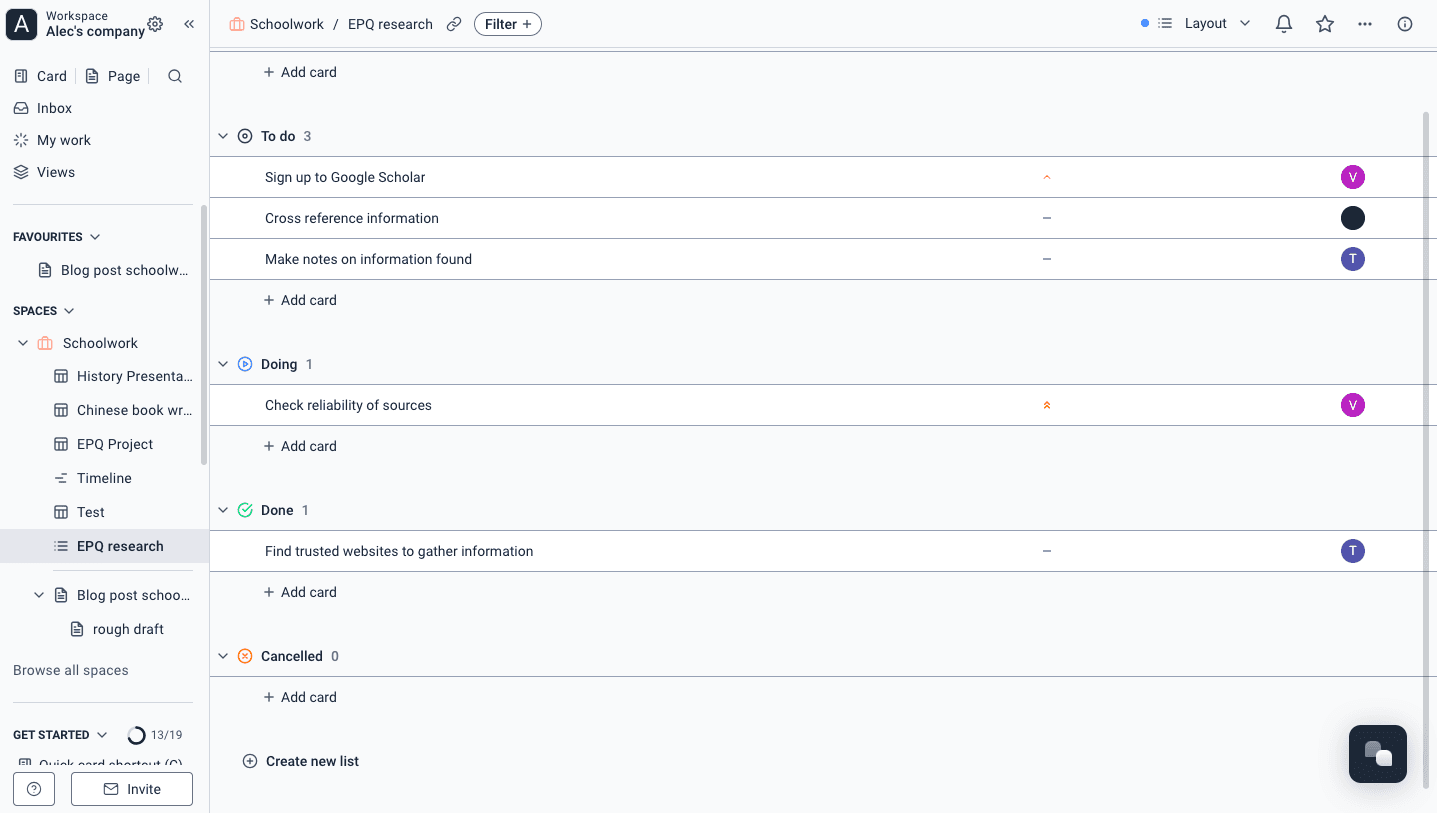
Give each assignment or group project a brief, owner, due date, and checklist. Students can see what is next without searching through messages.
Learn more about Turn assignments into clear tasks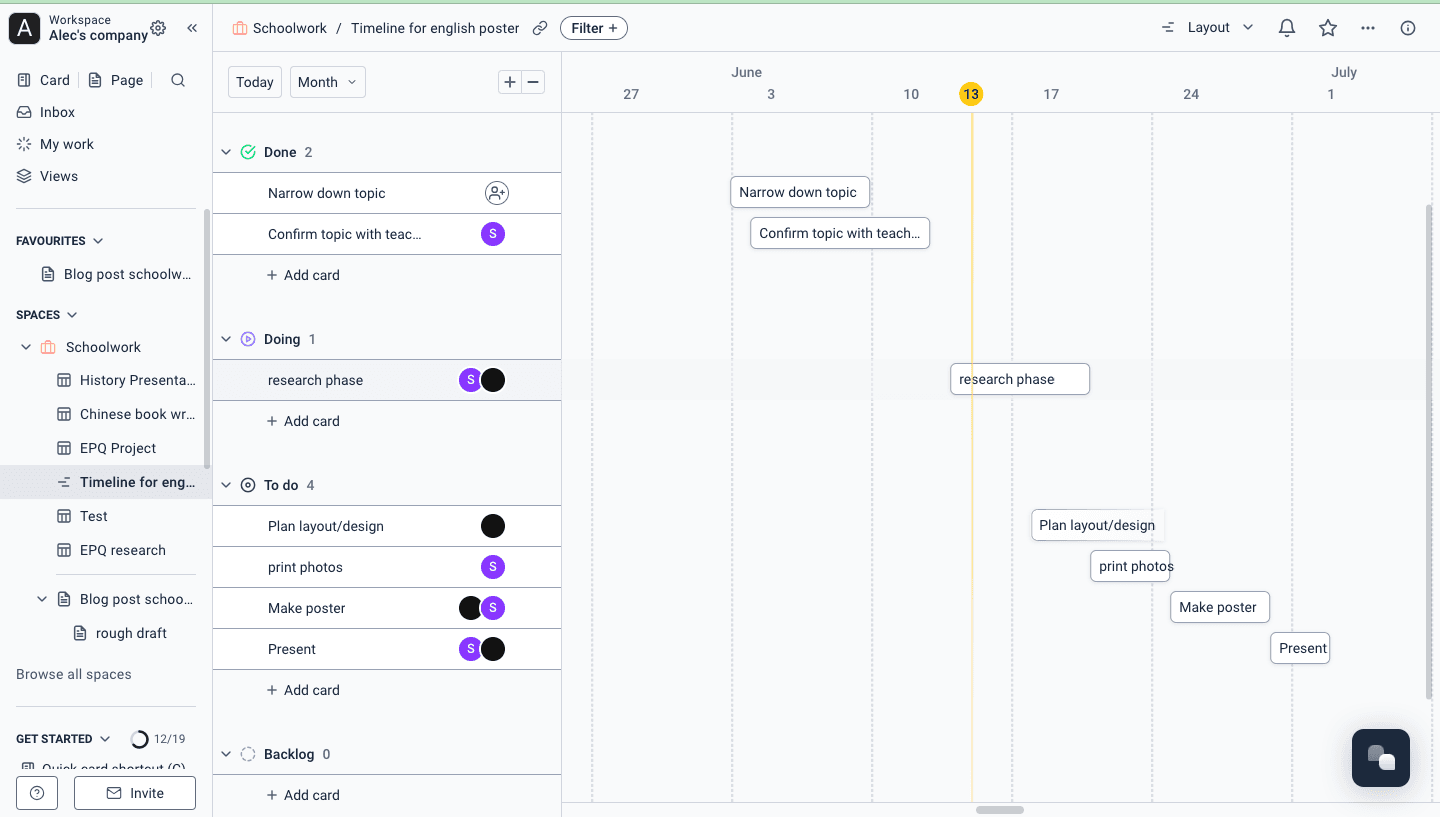
Track studies, fieldwork, reviews, funding dates, and publication milestones on one timeline. Open any item to find the notes and decisions behind it.
Learn more about Keep research movingUse forms for applications, equipment, student support, event proposals, and approvals. Each response lands with the right team as work they can track.
Learn more about Collect requests without the email chain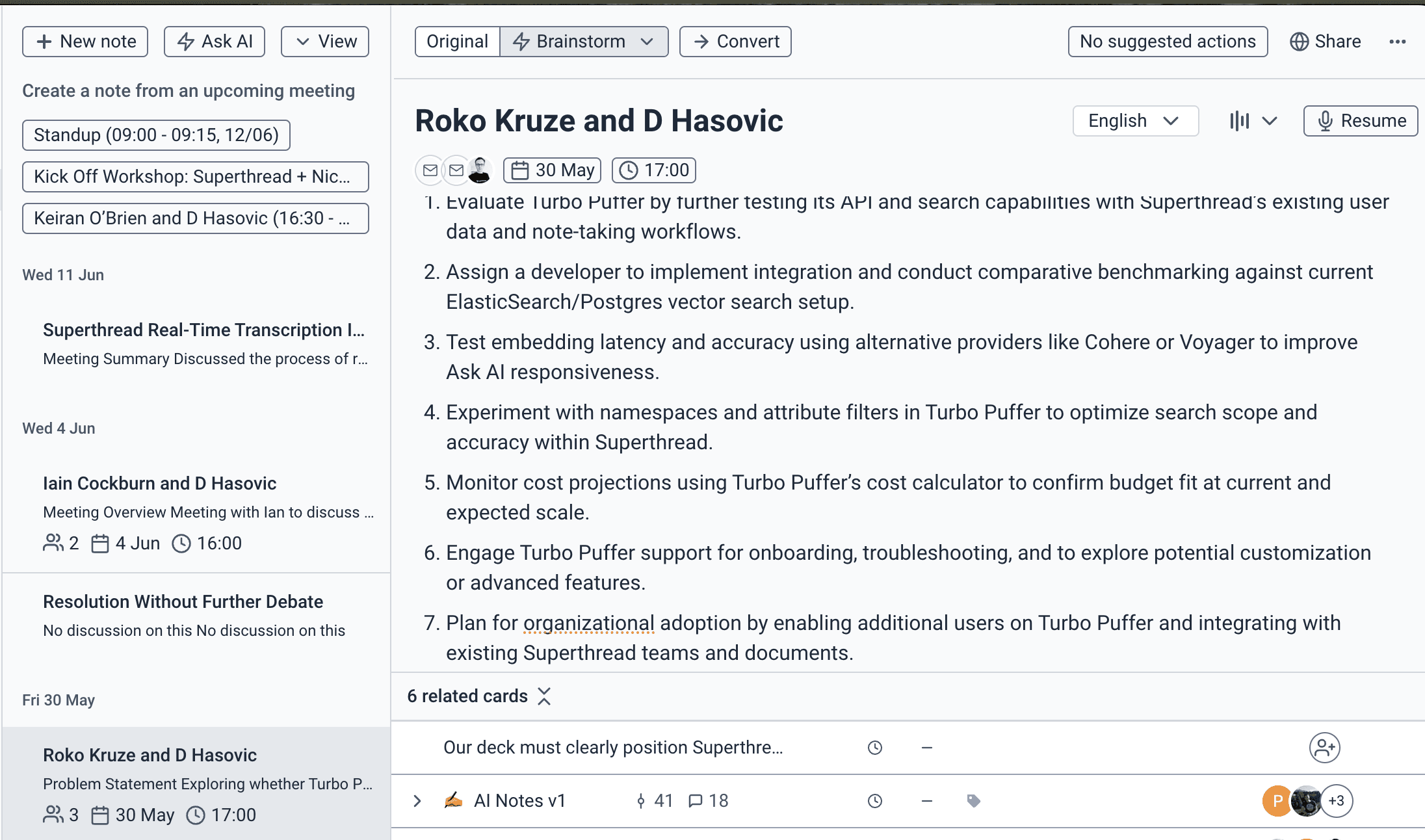
Record research meetings, tutorials, committee sessions, and project reviews. Keep the transcript, decisions, and next steps together while they are still fresh.
Learn more about Leave every meeting with useful notes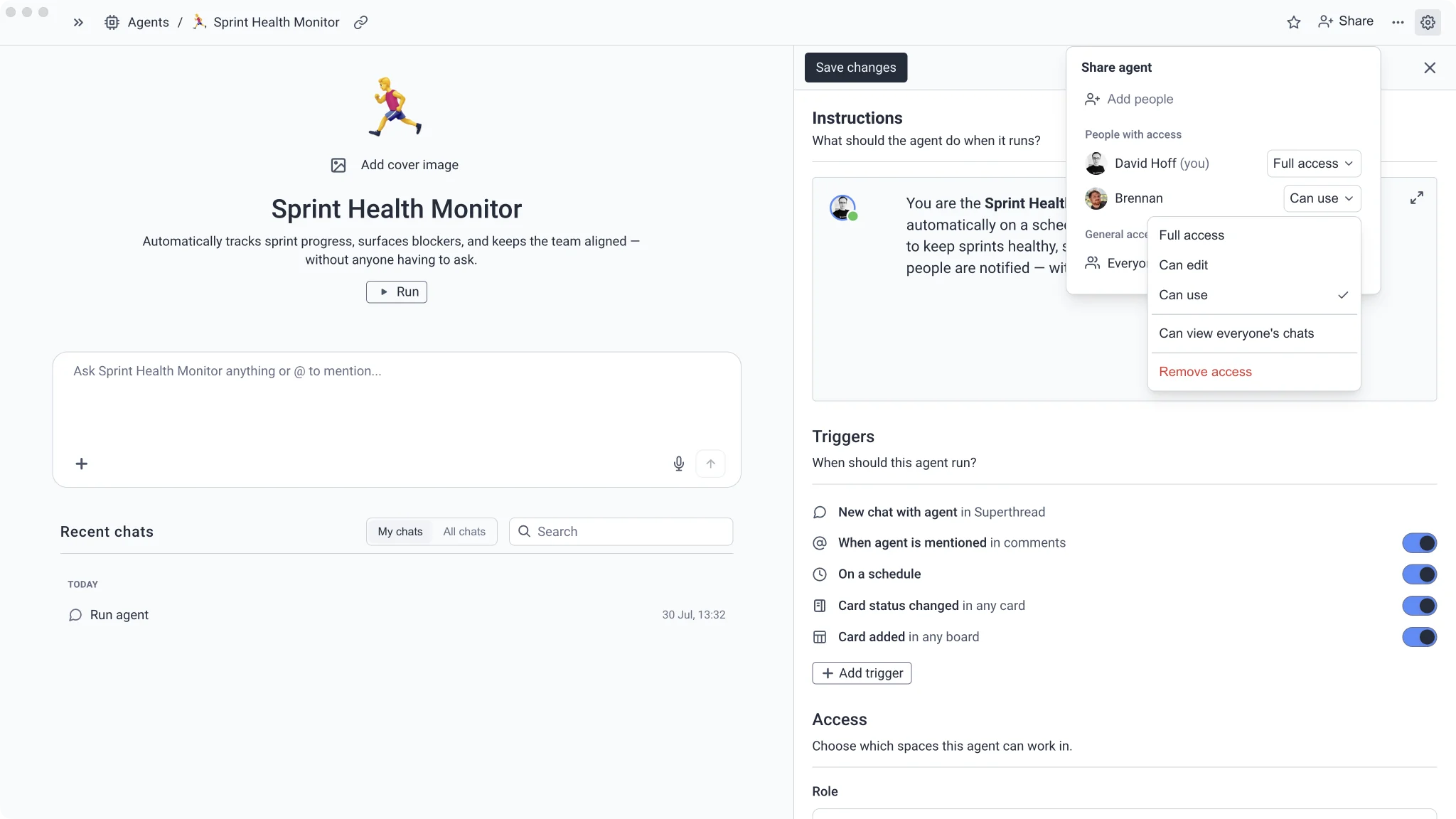
Set up agents to answer common course questions, check project progress, prepare weekly updates, and chase missing information from the work already in Superthread.
Learn more about Automate the repetitive adminSet up one course, one research project, or one student request queue. Add more only when it helps.
Keep lesson plans, materials, class notes, common questions, and group work together.
Track the plan, meetings, evidence, decisions, deadlines, and the work each person owns.
Collect the right details up front and let students see what is happening without chasing for updates.
Tell an agent what to check, which course or project it can see, and when to run. You stay in control of the result.
Use the syllabus, class pages, and approved policies, with links students can check.
“Answer this question using the syllabus, course pages, and policies in this space. Link the exact source and say when the material does not contain an answer.”
Time saved2–4 hours/week
Find missed deadlines, blockers, unowned work, and the next useful follow-up.
“Check this group project for late work, blockers, missing owners, and approaching deadlines. Post a short update and create the follow-up tasks.”
Time saved1–2 hours/week
Ask for missing details, find relevant guidance, and route the work to the right team.
“Review this student request, identify missing information, link the relevant guidance, and assign it to the right queue or owner.”
Time saved1–2 hours/week
Pull together milestones, meeting decisions, open questions, and work due next.
“Prepare our research check-in from the project plan, recent meeting notes, open tasks, and decisions. Put risks and unanswered questions first.”
Time saved1–2 hours/week
Turn a brief and deadline into a manageable sequence of research, drafting, and review tasks.
“Turn this assignment brief into a plan with research, outline, draft, review, and submission tasks. Work backwards from the deadline.”
Time saved30–60 minutes/week
Give each group a clear place to work without cutting it off from the notes, dates, and decisions it depends on.
Plan lessons, share materials, coordinate teaching, and spend less time answering the same practical questions.
Keep plans, evidence, meeting notes, decisions, and milestones connected from the first idea to publication.
Run applications, events, approvals, student support, and departmental work without relying on shared inboxes.
Organise assignments, group projects, study notes, societies, and student-led work without making the setup complicated.