Give everyone one place to ask
Put access, equipment, software, account, and support requests behind one simple front door. Employees do not need to know which inbox or person owns the problem.
Learn more about Give everyone one place to ask
Employees know where to ask. IT gets the details, owner, history, and next step—whether the job is a laptop setup, access request, software problem, or incident follow-up.
Keep the request, the work, and the answer together so nothing disappears between inboxes.
Put access, equipment, software, account, and support requests behind one simple front door. Employees do not need to know which inbox or person owns the problem.
Learn more about Give everyone one place to askRoute each request to the right board, assign an owner, and keep its status visible. The employee can follow progress without chasing IT for another update.
Learn more about Make ownership obviousWrite troubleshooting notes, setup guides, and known fixes beside the work. When the same issue returns, the answer is easy to find and still has useful context.
Learn more about Keep the fix for next timeCoordinate accounts, permissions, devices, software, and security steps for joiners, movers, and leavers. Every handoff has an owner and a due date.
Learn more about Run access and setup checklistsKeep the timeline, decisions, follow-up work, and retrospective in one place. Turn lessons into owned actions instead of leaving them in a call or chat thread.
Learn more about Close the loop after an incidentSee who asked for what, why it is needed, who approved it, and what happens next. Keep the request history even when inventory stays in a specialist system.
Learn more about Track equipment and software requestsKeep setup guides, known fixes, service notes, and decisions in pages the team can improve while they work. Link the right guide to the request, then update it while the details are still fresh.
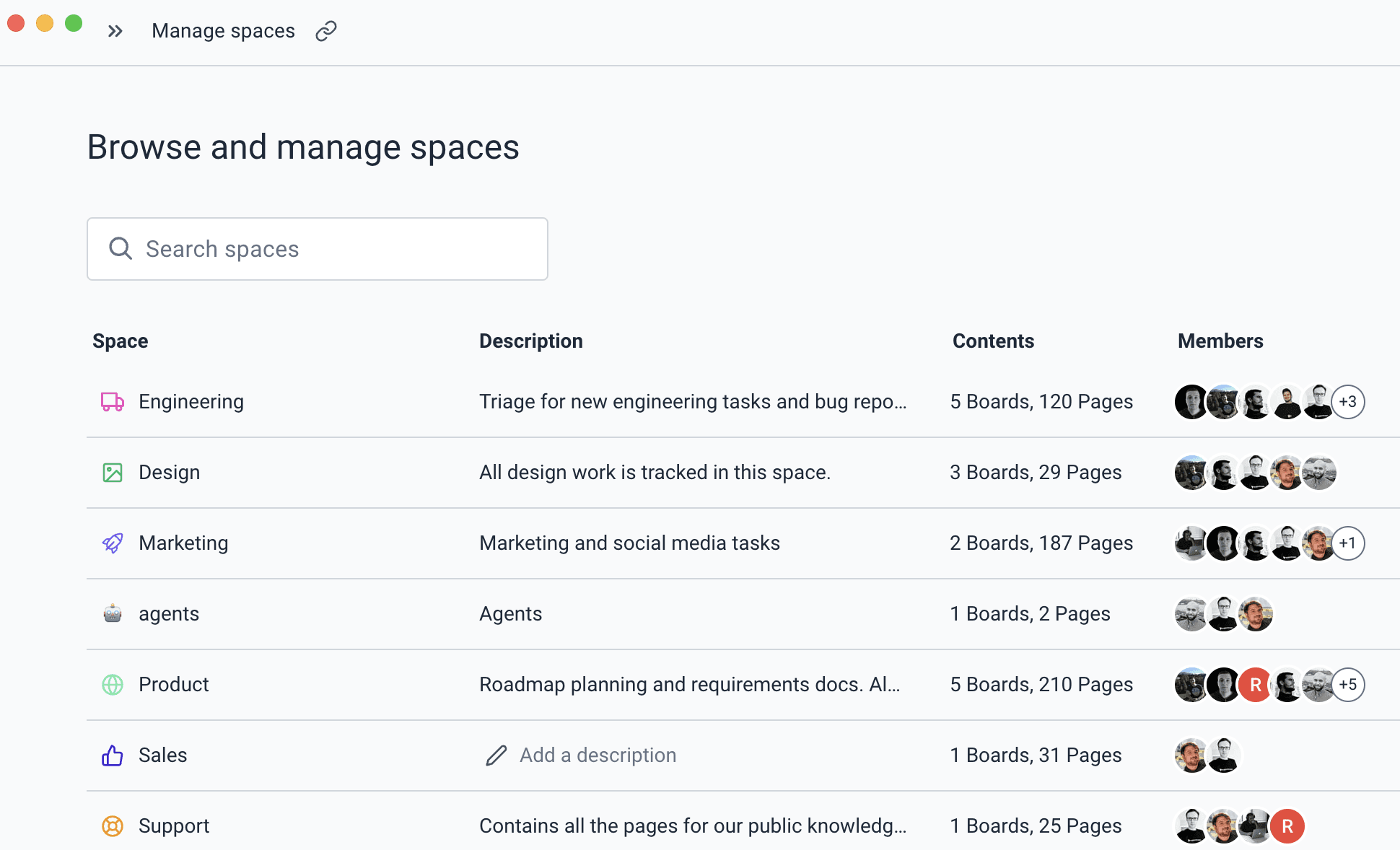
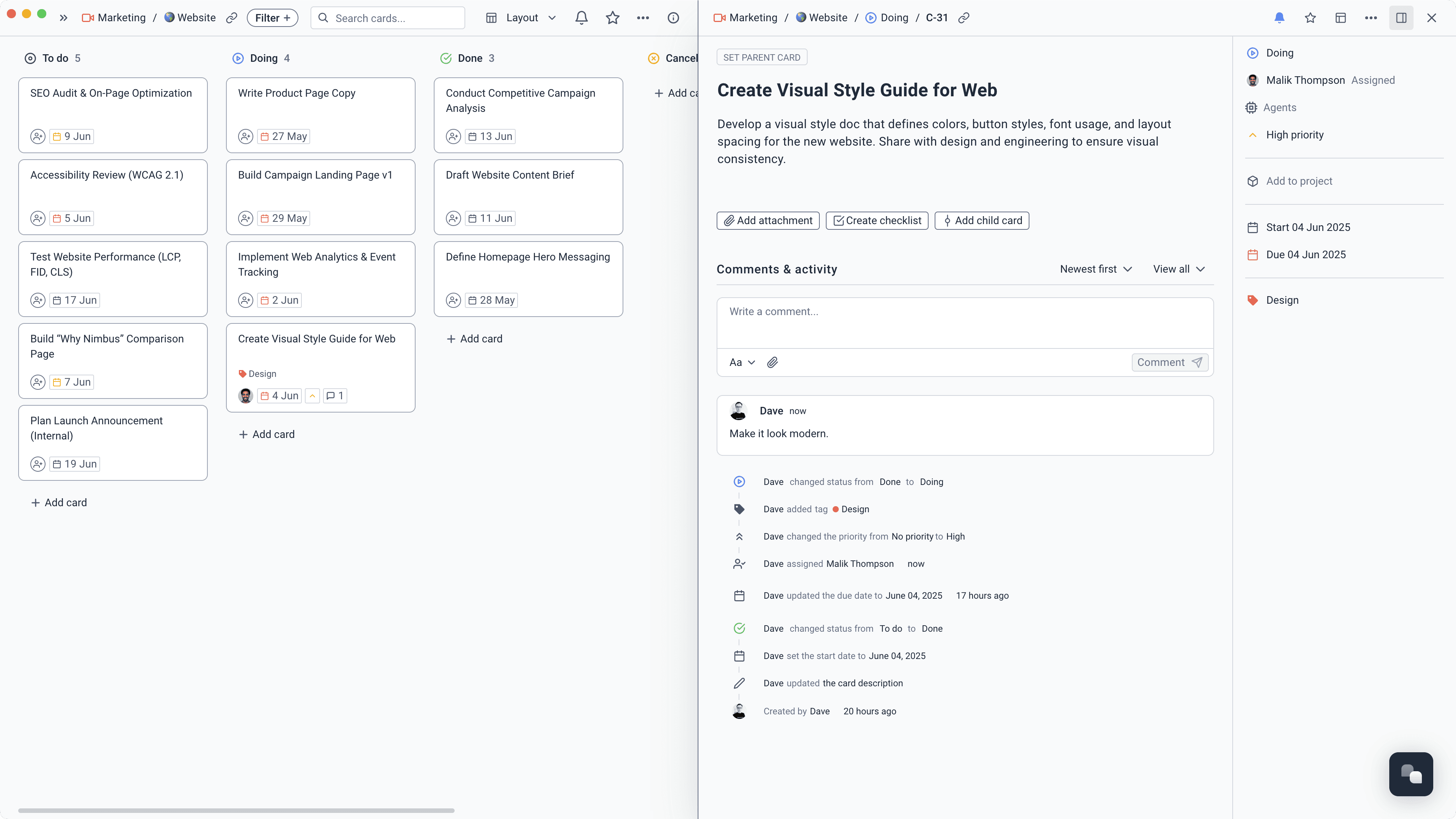
A request holds the original problem, its owner, status, files, conversation, and next action. IT works from one complete record, and the employee gets an update without starting another thread.
Give each automation one narrow job, the IT spaces it needs, and a clear moment to run.
Create owned account, device, software, permission, and security tasks.
“Create the IT setup plan from this joiner or leaver request. Include accounts, devices, software, permissions, and security tasks with owners and dates.”
Time saved2–3 hours/week
Use approved setup and troubleshooting guides, with source links employees can check.
“Answer this IT question using only the approved setup and troubleshooting guides. Link the exact source and say when the guides do not contain an answer.”
Time saved1–2 hours/week
Ask for the device, account, urgency, error details, and files IT needs to begin.
“Check this request for the device, account, urgency, error details, and useful files. Ask for anything missing before assigning the work.”
Time saved1–2 hours/week
Find missing owners, overdue decisions, and removal tasks in the review plan.
“Check this access review for missing owners, overdue decisions, and incomplete removal tasks. Create the follow-up where action is still needed.”
Time saved1–2 hours/week
Carry decisions and lessons from the incident page into owned follow-up work.
“Review this incident record and retrospective. Create tasks for every agreed follow-up, preserve the owner and due date, and link each task back to the source decision.”
Time saved1–2 hours/week
Start with the jobs your team already handles, then shape each workflow around the details it actually needs.
Collect the problem, affected device, urgency, and useful files before the request reaches the queue.
Handle new access, permission changes, and removals with a clear approver and a complete record.
Manage laptop, peripheral, licence, and application requests from approval through delivery.
Reuse checklists for account reviews, renewals, maintenance, onboarding, and offboarding.