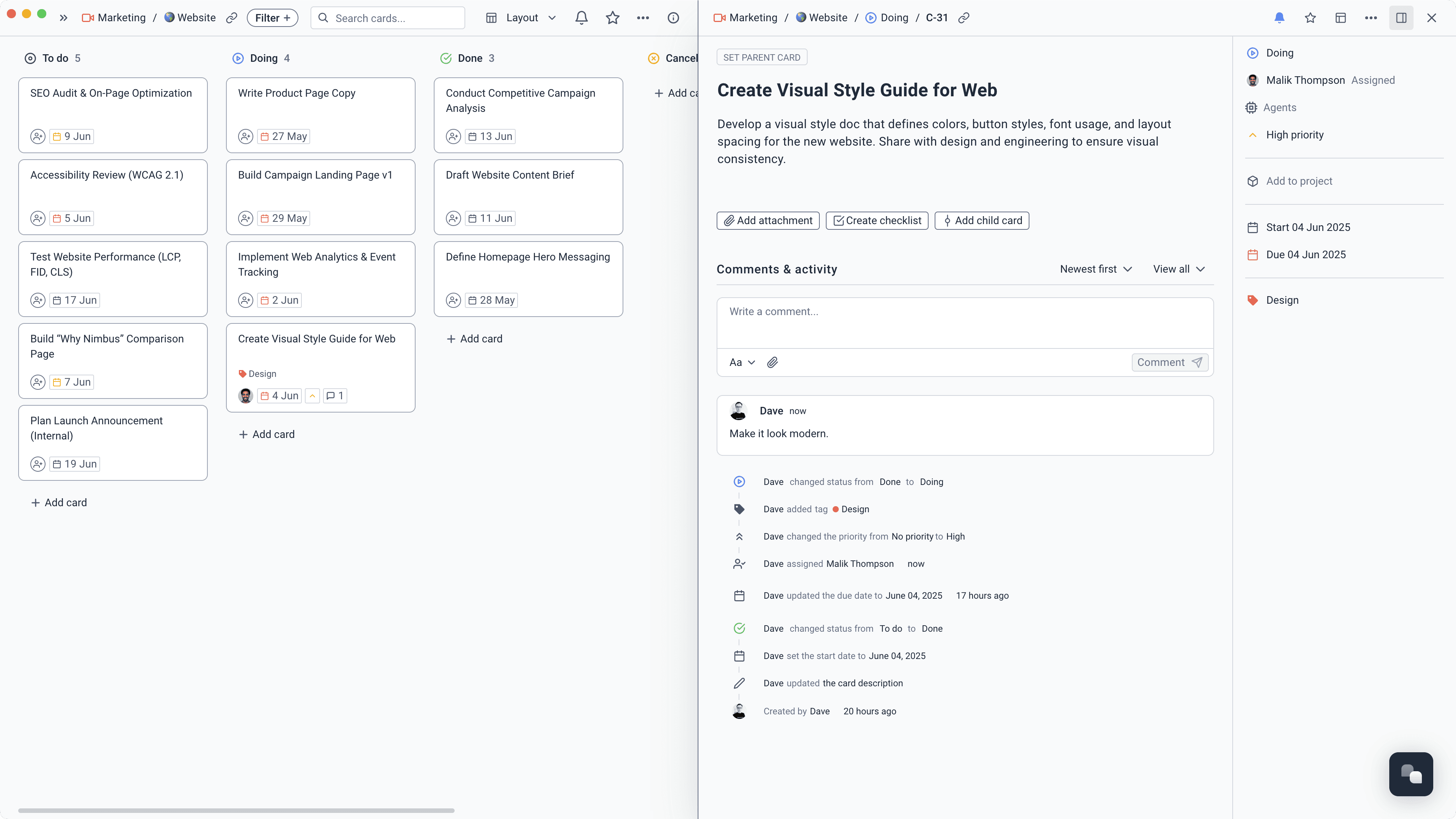
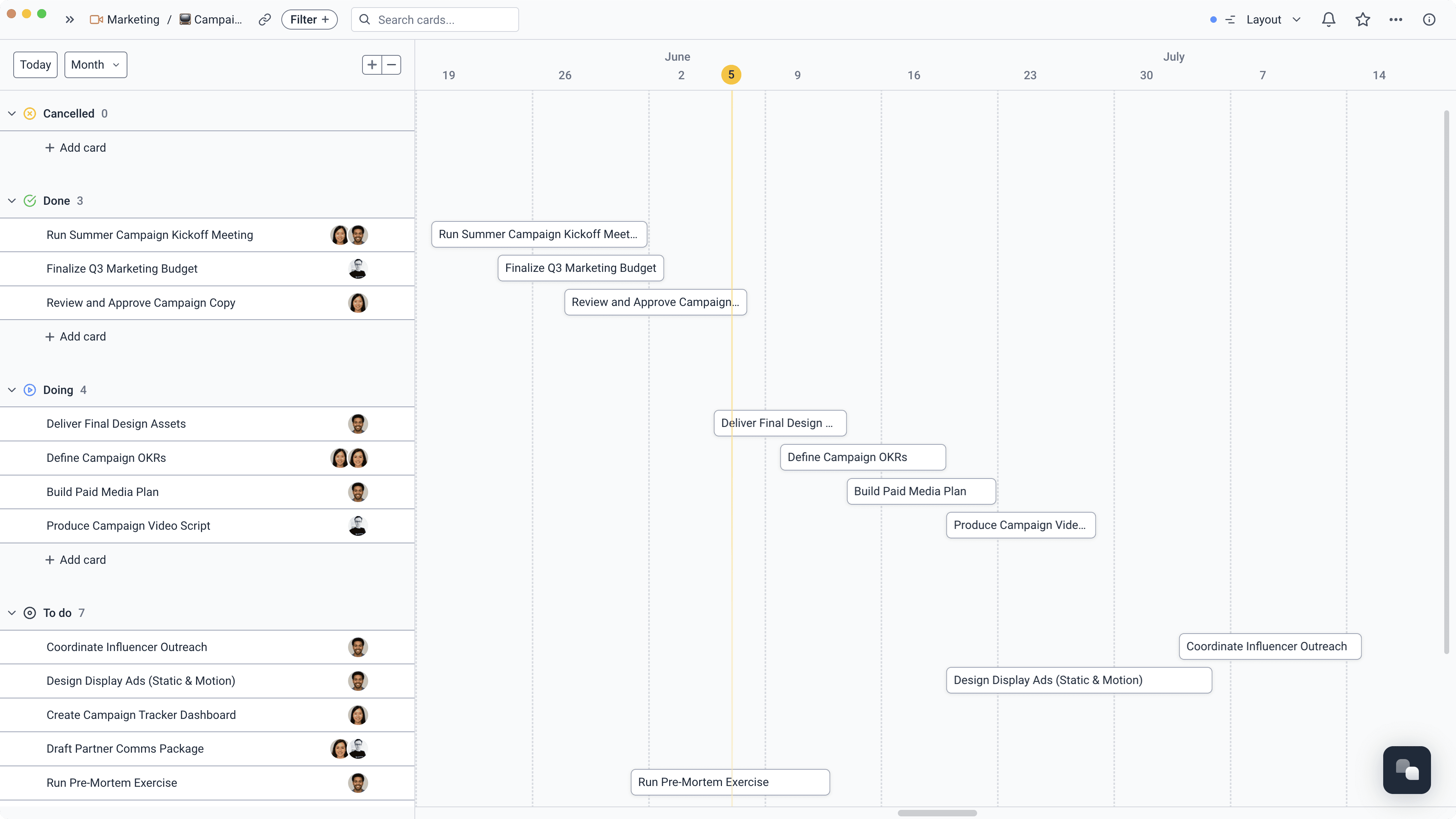
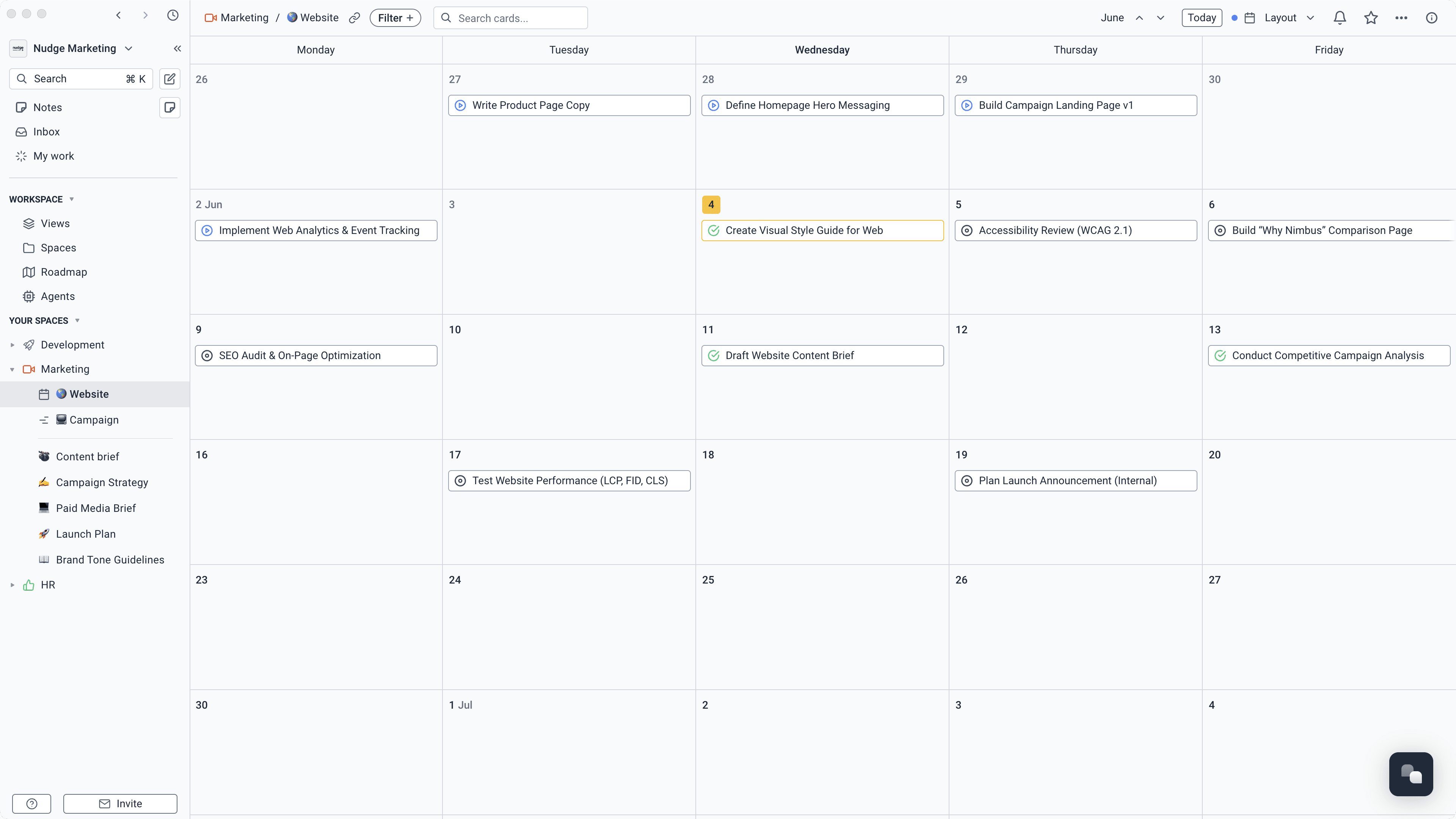
Start with a complete brief
Collect campaign requests, creative details, files, dates, and stakeholders through a form. Every submission arrives on the right board as trackable work.
Learn more about Start with a complete brief
Plans, content, meetings, feedback, and delivery live together. Everyone knows what is ready, what is late, and what needs a decision.
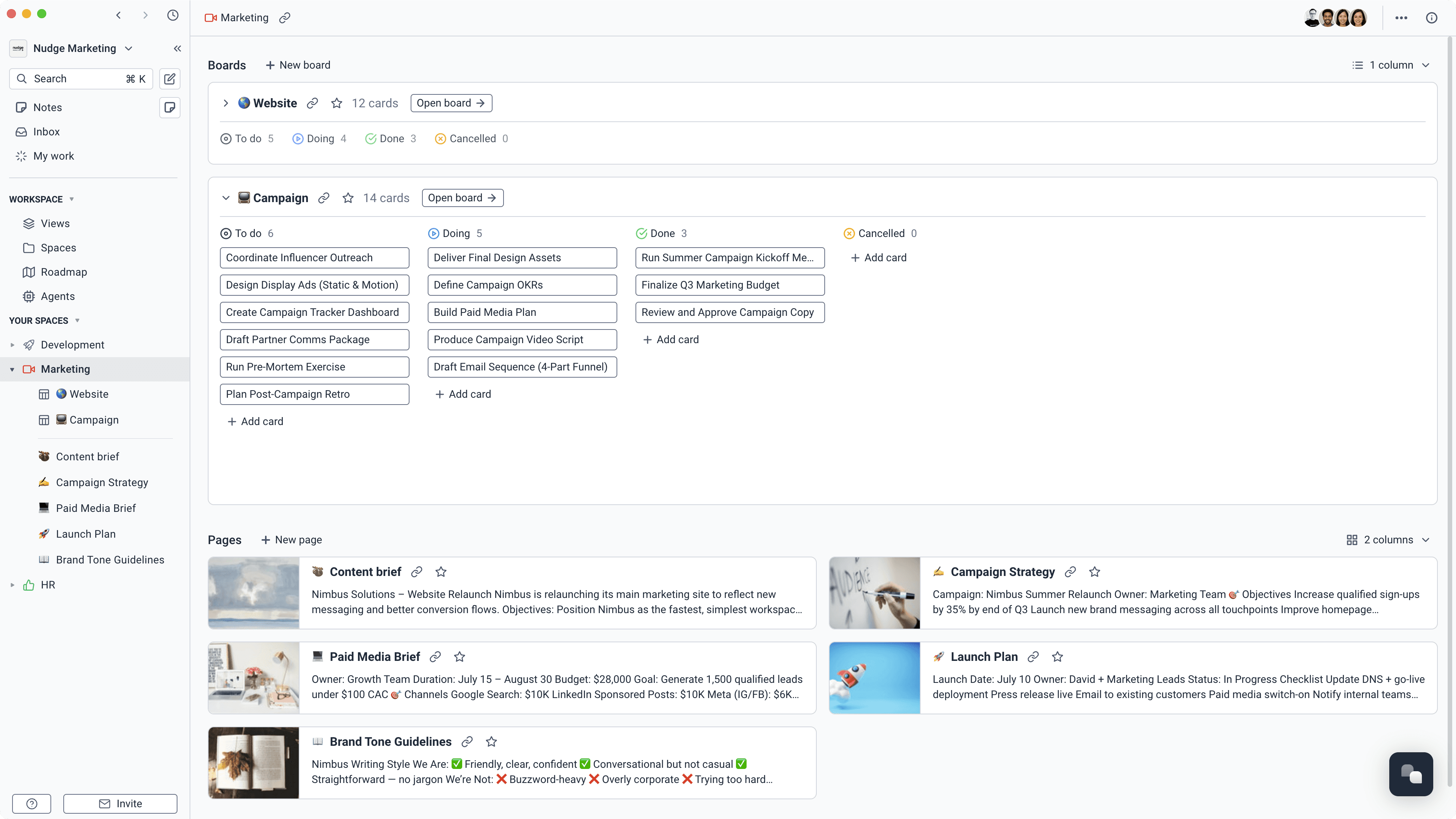
Less time stitching tools together. More time making the work better.
Collect campaign requests, creative details, files, dates, and stakeholders through a form. Every submission arrives on the right board as trackable work.
Learn more about Start with a complete briefBreak a launch into projects, tasks, and milestones. Give every deliverable an owner and keep the campaign plan close enough to stay useful.
Learn more about Turn the plan into owned workSee what is planned, in progress, ready for review, or already published. Switch between boards, lists, calendars, and timelines without rebuilding the plan.
Learn more about Run one honest content calendarStore positioning, research, briefs, messaging, and campaign notes beside the tasks they inform. People can find the decision, not just the final deliverable.
Learn more about Keep the thinking with the workCapture the conversation, keep a transcript, and turn decisions into notes and tasks. No one has to reconstruct the launch plan after the call.
Learn more about Turn meetings into next stepsUse agents to check campaign health, prepare updates, surface overdue work, or pull context together from projects, tasks, docs, and meetings.
Learn more about Give the repetitive work to an agent
Medialab brought project work and its company knowledge into one clearer workspace.
The UK's leading independent media agency replaced a mix of Jira, Confluence, and SharePoint with Superthread.
Read the Medialab story
Describe the job in plain English, give the agent access to the right campaign spaces, and let it pick up the repeatable work around briefs, delivery, and reporting.
Turn an approved brief into dated, assigned work that follows the review process.
“Turn this approved brief into a content plan with deliverables, owners, dates, and review tasks. Keep every item linked to the brief.”
Time saved2–3 hours/week
List late deliverables, stuck approvals, missing owners, and moved dates.
“Review the campaign plan, tasks, meeting decisions, and current dates. Put late work, approval blockers, and unowned deliverables at the top.”
Time saved1–2 hours/week
Carry decisions, changes, and commitments from meeting notes into the live campaign.
“Review these campaign meeting notes. Update confirmed decisions and create assigned tasks for every agreed action or changed deliverable.”
Time saved1–2 hours/week
Find deliverables waiting for review and create the next useful follow-up.
“Find campaign work waiting for approval past its review date. Create a follow-up task for the approver and flag anything blocking the launch plan.”
Time saved1–2 hours/week
Find missing audiences, channels, dates, owners, assets, and approval criteria.
“Review this campaign brief for the details production needs. Leave clear questions for anything missing before work begins.”
Time saved30–60 minutes/week
One shared campaign, with the right view for each discipline.
Keep briefs, assets, feedback, and final decisions attached to each deliverable.
Plan the calendar, assign the work, and see exactly what is ready to publish.
Track experiments, record what happened, and carry the learning into the next test.
Connect positioning, launch plans, enablement, and product work in one shared place.