Give every client a clear workspace
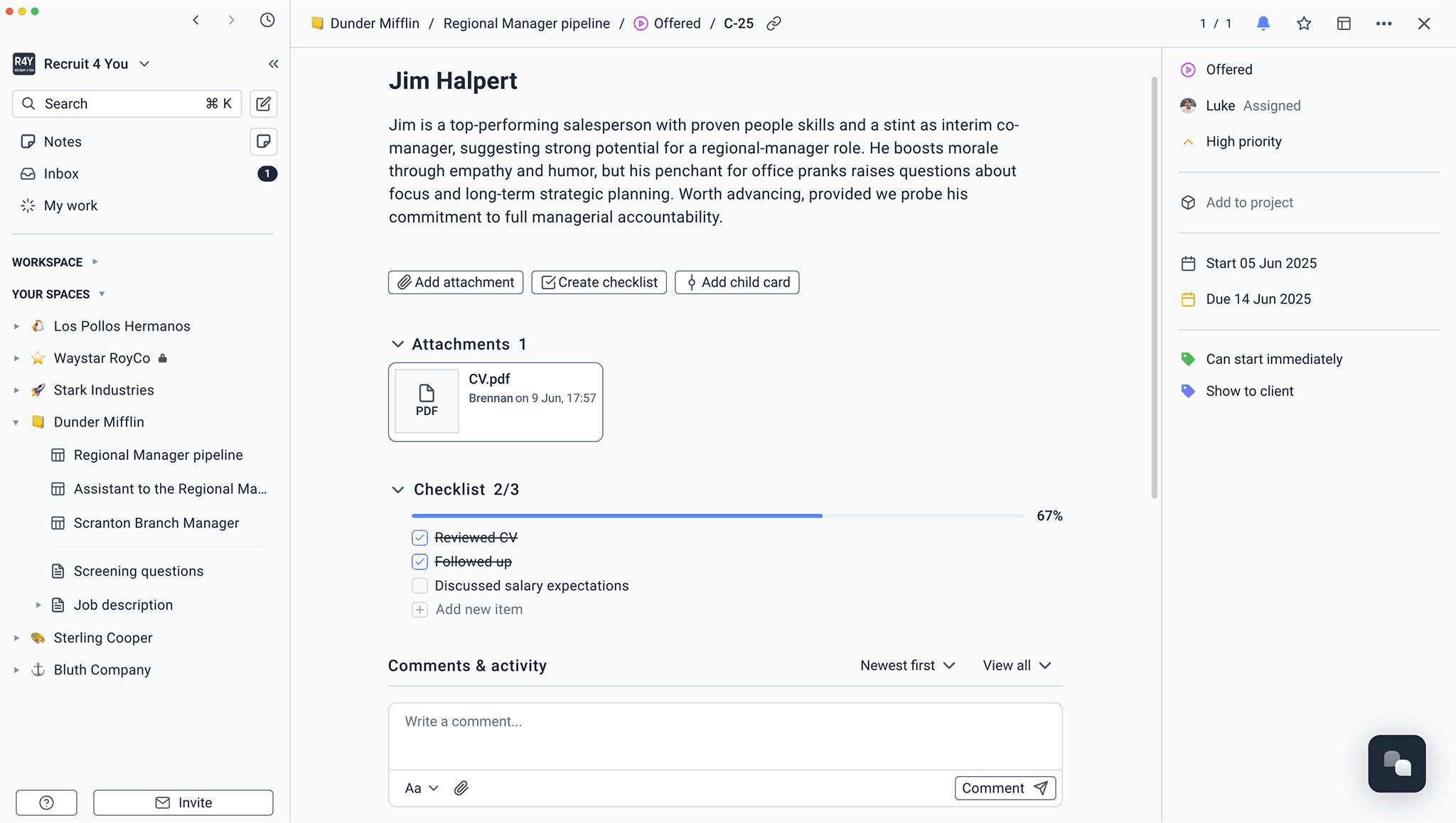
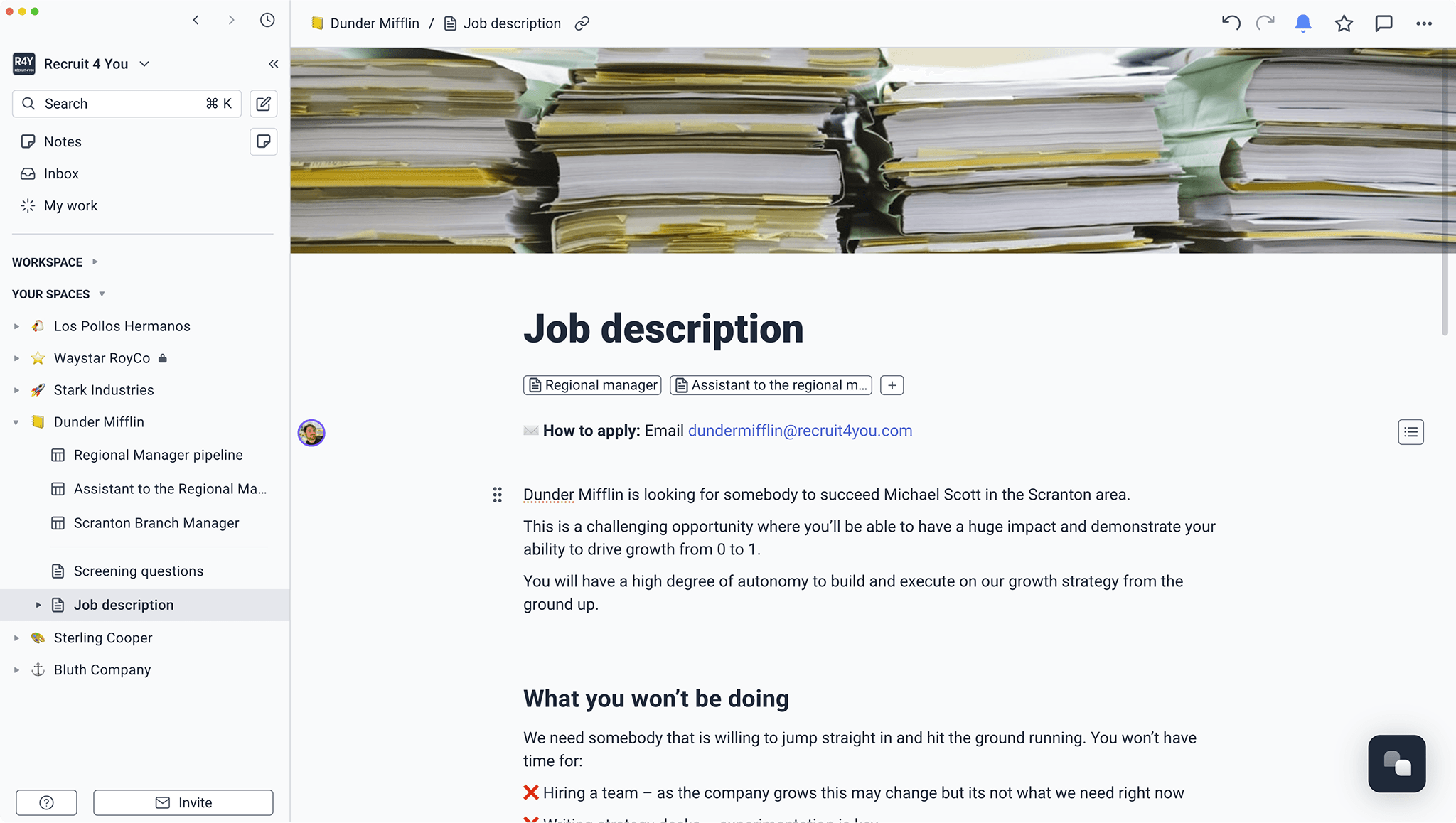
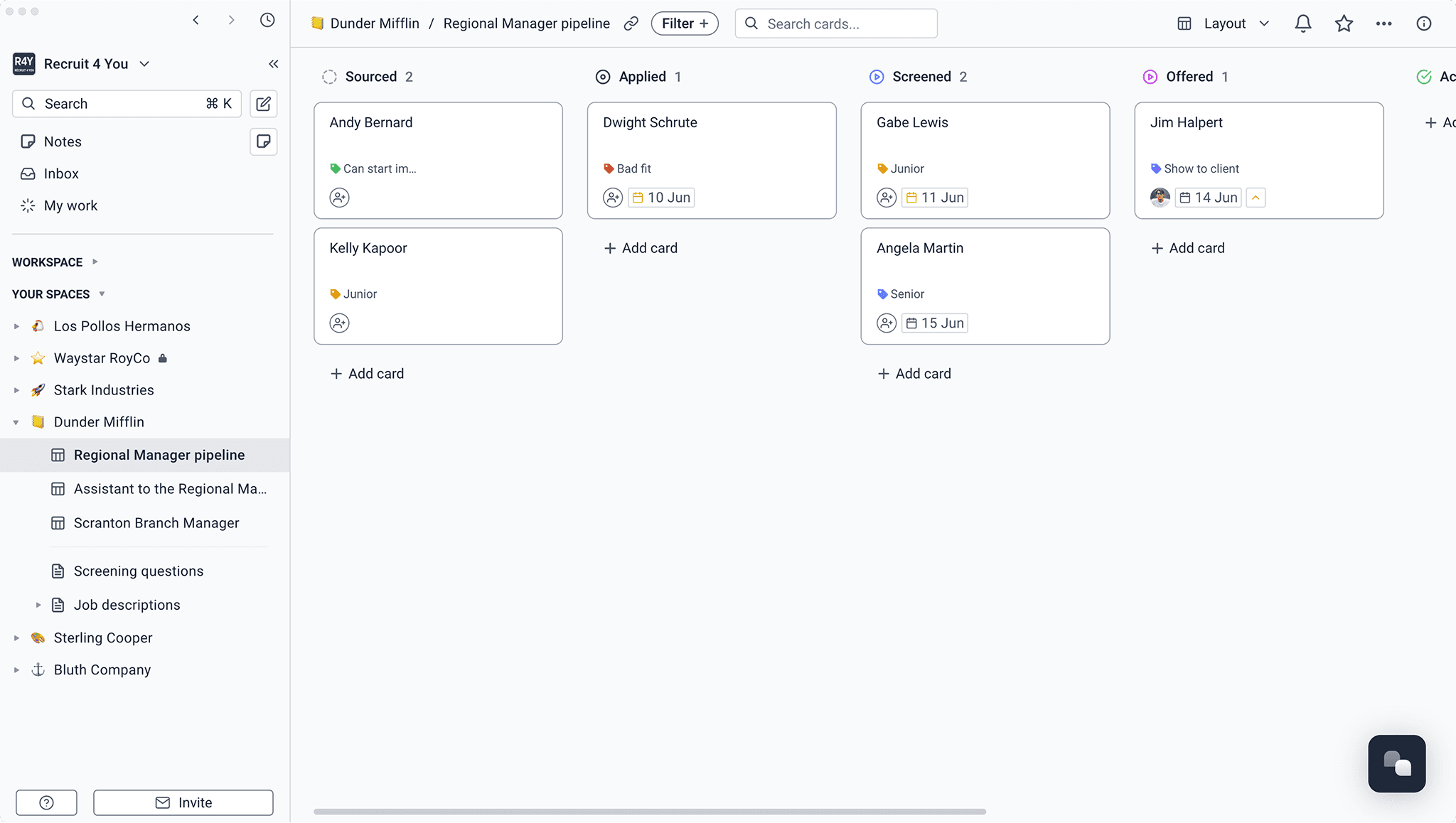
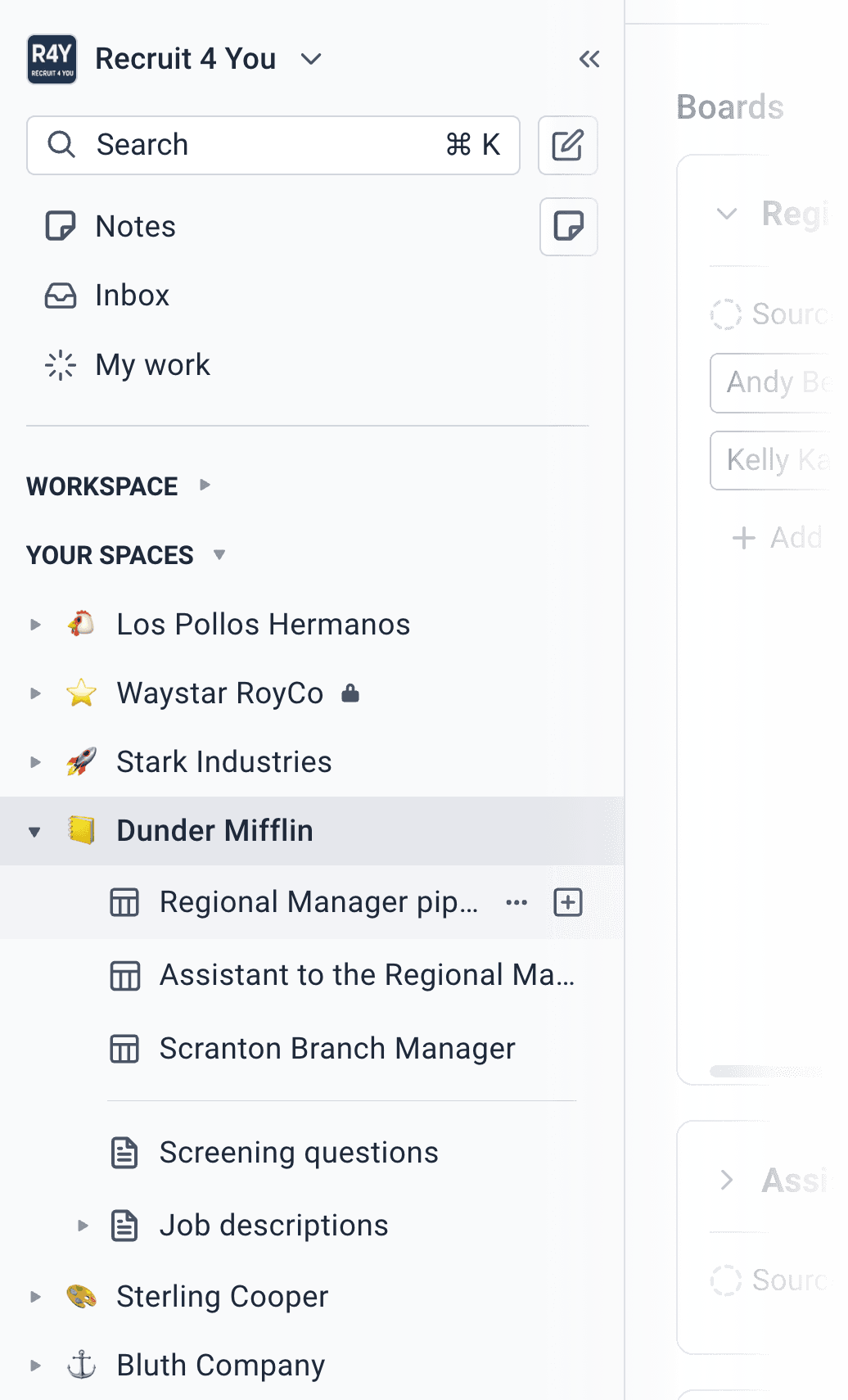
Keep their open roles, candidate pipelines, search notes, and documents together in a dedicated space.

Candidate pipelines, client feedback, role briefs, screening notes, and team knowledge stay together. Recruiters move faster and clients get a clearer service.















“We've won work because of how we communicate and collaborate with clients. Superthread makes us look really polished and thorough.”
 Mat Ferdenzi, CEO, Acceler8 Talent
 Keep their open roles, candidate pipelines, search notes, and documents together in a dedicated space.
Keep internal spaces private, then invite clients as guests to the roles and candidate boards they need to review.
Track candidate progress and team tasks beside playbooks, market maps, interview notes, and company knowledge.
Keep the relationship, the candidate, and the work around the search connected.
Forward useful messages to a board so the candidate, conversation, and next step enter the workflow without another round of copying and pasting.
Attach CVs and supporting files to the candidate card, then keep comments, ownership, status, and client feedback beside them.
Learn more about Keep the CV and the conversation togetherCreate a space for the client, invite them as a guest, and give them one polished place to review candidates and respond.
Learn more about Make client review straightforwardCapture the call, keep the transcript, and structure the important details into a consistent candidate summary for the team.
Learn more about Turn screening calls into useful notesUse forms to gather requirements from hiring managers and route each new role to the right board with the details already attached.
Learn more about Collect complete role briefsCreate agents that check role health, surface candidates waiting for feedback, prepare client updates, or pull together context before a review.
Learn more about Let agents watch the pipelineSuperthread keeps the transcript, then helps you shape the important details into a repeatable note.
Capture calls from the meeting tools your team already uses.





Create agents that understand the role, the candidates, and the client. They can watch the pipeline and prepare the work that usually gets rebuilt before every review.
Find stalled candidates, missing feedback, unclear next steps, and overdue client decisions.
“Review every active role and list stalled candidates, missing feedback, unclear next steps, and overdue client decisions. Create the follow-up tasks.”
Time saved2–3 hours/week
Compare the transcript with the role brief and list any unanswered questions.
“Summarise this screening transcript against the role brief. Keep evidence for each criterion, flag unanswered questions, and create the next-step tasks.”
Time saved1–2 hours/week
Bring together pipeline movement, feedback, meetings, blockers, and next steps.
“Draft the weekly client update for this role from candidate movement, feedback, meetings, blockers, and next steps. Flag anything the recruiter should review.”
Time saved1–2 hours/week
Find interviews with missing or contradictory feedback before candidates stall.
“Find candidates with completed interviews but missing or conflicting feedback. Create a follow-up task for the right reviewer and note the decision deadline.”
Time saved1–2 hours/week
Spot missing outcomes, must-haves, interview stages, owners, and decision dates.
“Review this role brief for the details a search needs. Add specific questions for missing outcomes, criteria, interview stages, owners, or dates.”
Time saved30–60 minutes/week