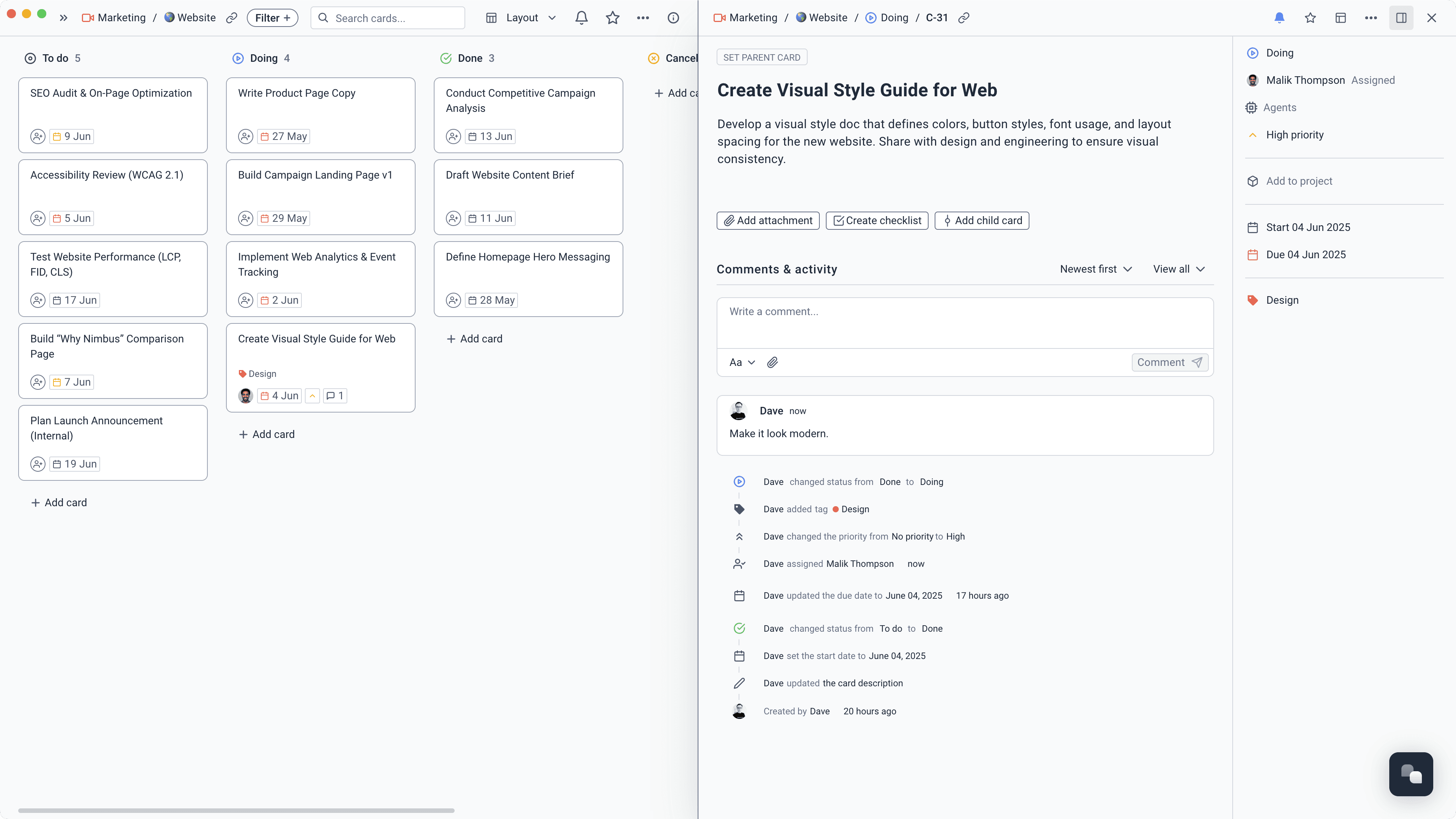
Make the next step obvious
Break a big project into cards and subtasks, add the dates that matter, and see what to do next without carrying the whole plan in your head.
Learn more about Make the next step obvious
Plan the move. Build the side project. Keep the notes. Track the goal. Superthread keeps the thinking and the next step together.
Use as much structure as the project needs. No more, no less.
Break a big project into cards and subtasks, add the dates that matter, and see what to do next without carrying the whole plan in your head.
Learn more about Make the next step obvious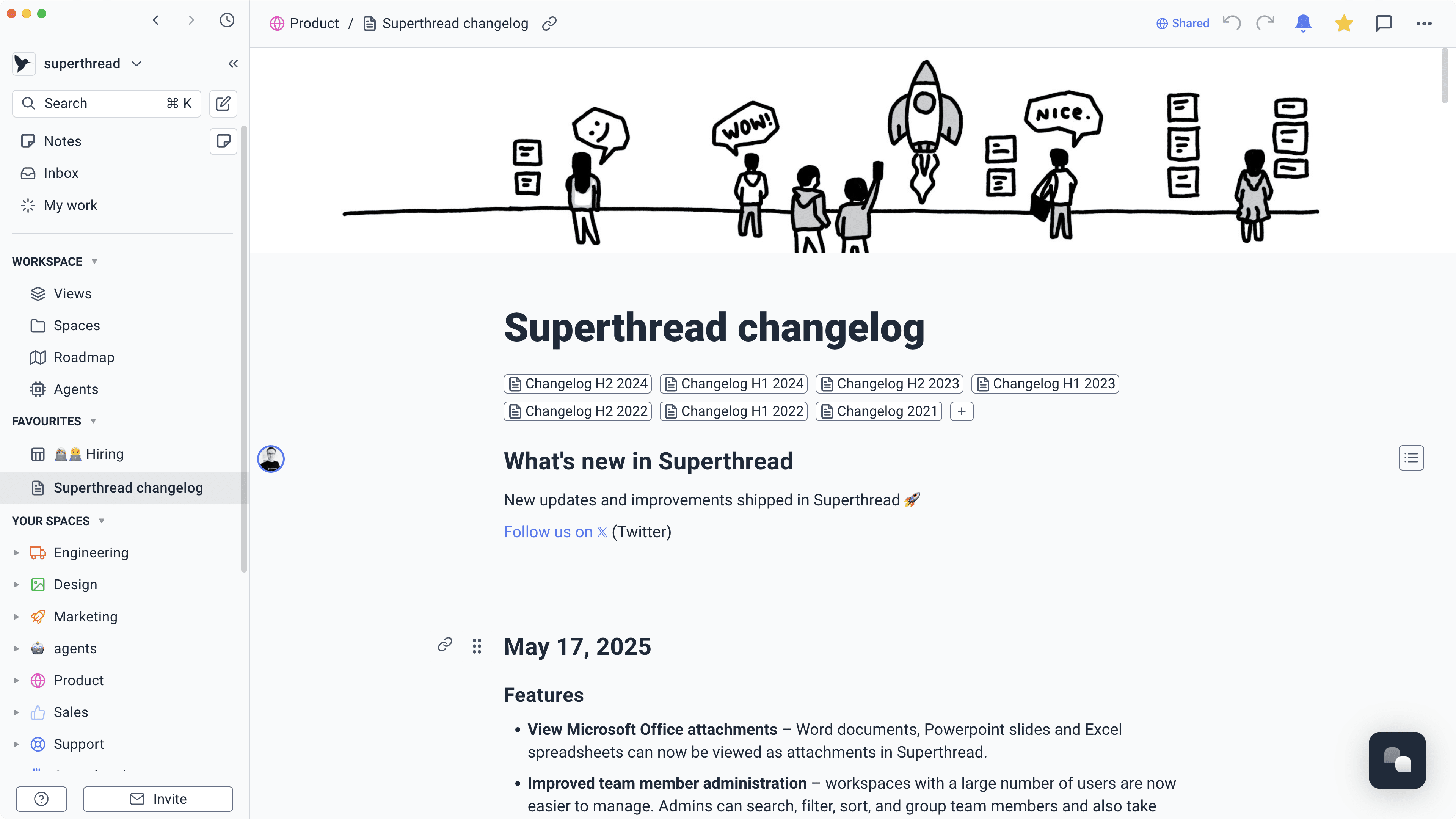
Write plans, research, decisions, and rough ideas in pages. Link them to the project or task they explain, so the useful bit is easy to find later.
Learn more about Keep notes where they belongSwitch between a board, list, calendar, and timeline. Plan a trip by date, track an application by stage, or keep a long project moving week by week.
Learn more about See the month before it gets busySet an agent to create a weekly plan, collect unfinished tasks, or prepare a regular review. It handles the repeatable part; you decide what happens next.
Learn more about Take the remembering out of routinesDrop a thought into your inbox now and sort it when you have time. Turn the good ones into a page, card, or full project when they are ready.
Learn more about Give loose ideas somewhere to land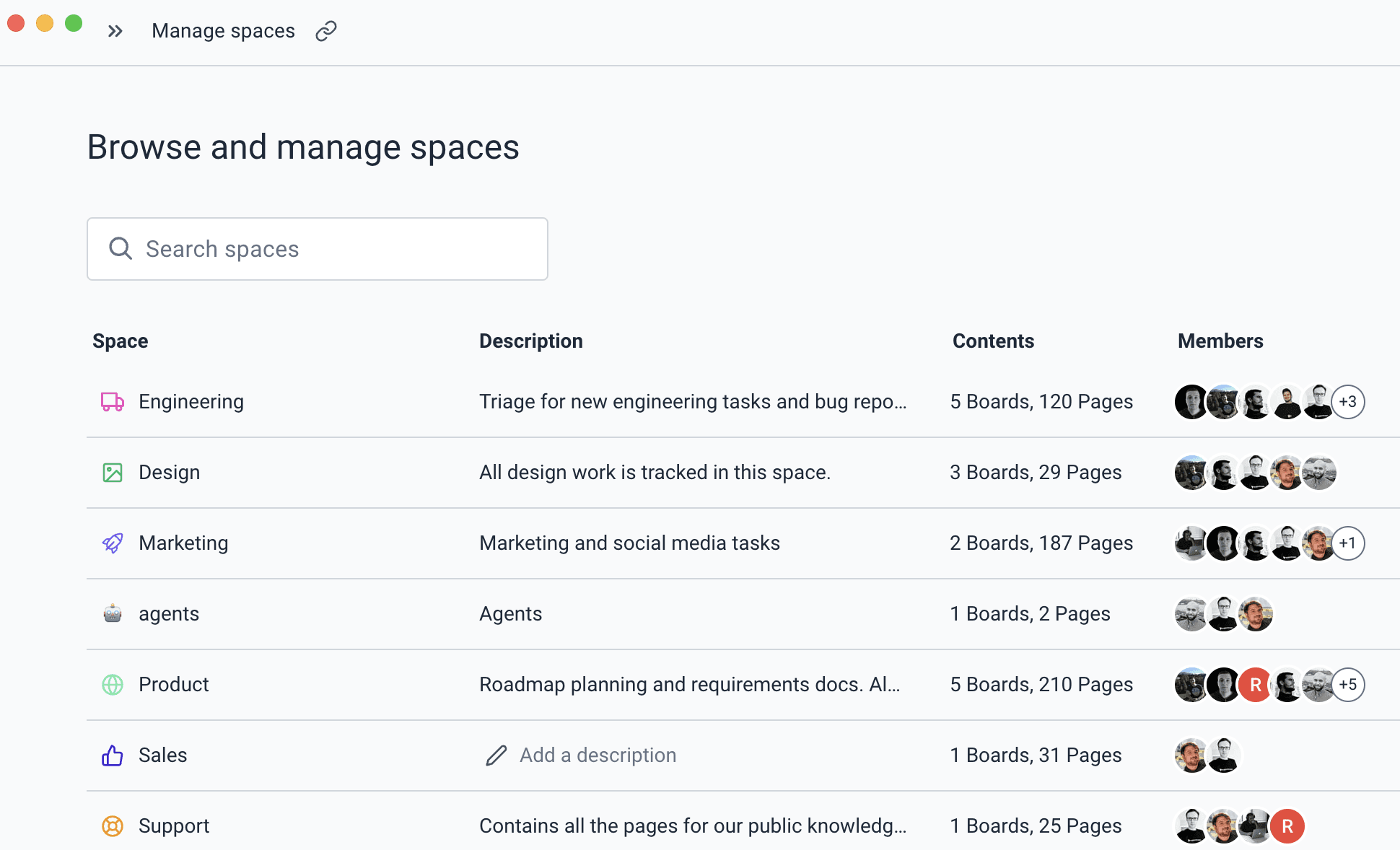
Use separate spaces for home, learning, side projects, or anything else. Invite someone into one space without opening up the rest.
Learn more about Keep each part of life in its placeStart with one narrow job, keep it inside the spaces you choose, and decide whether it runs on demand or on a schedule.
Gather unfinished work, upcoming dates, and priorities into one realistic week.
“Review my open tasks, projects, and upcoming dates. Build a realistic plan for this week and keep no more than three priorities per day.”
Time saved30–60 minutes/week
Turn a rough goal into clear stages and the first tasks you can actually start.
“Turn this project idea into a simple plan with stages, tasks, and dates. Ask me about any decision that materially changes the plan.”
Time saved30–60 minutes/week
Pull decisions, questions, and practical actions from a page of rough notes.
“Read these notes, keep the useful context, and create tasks for every clear next step. List unanswered questions separately.”
Time saved30–60 minutes/week
Compare planned and completed work, then suggest a smaller next commitment.
“Review this goal and its tasks. Summarise what moved, what stalled, and the smallest useful commitment for the coming week.”
Time saved30–60 minutes/week
Sort overdue tasks into do, reschedule, or drop, without silently moving everything forward.
“Review my overdue tasks. Recommend which to do, reschedule, or drop, explain why, and update dates only after applying those rules.”
Time saved30–60 minutes/week
The kind with lots of small details, half-finished thoughts, and one important deadline.
Keep viewings, quotes, decisions, documents, dates, and packing tasks in one plan.
Save reading notes, track assignments, and see the work left before the deadline.
Collect research, make decisions, and work through the launch list at your own pace.
Turn a vague goal into weekly actions and keep a simple record of what changed.