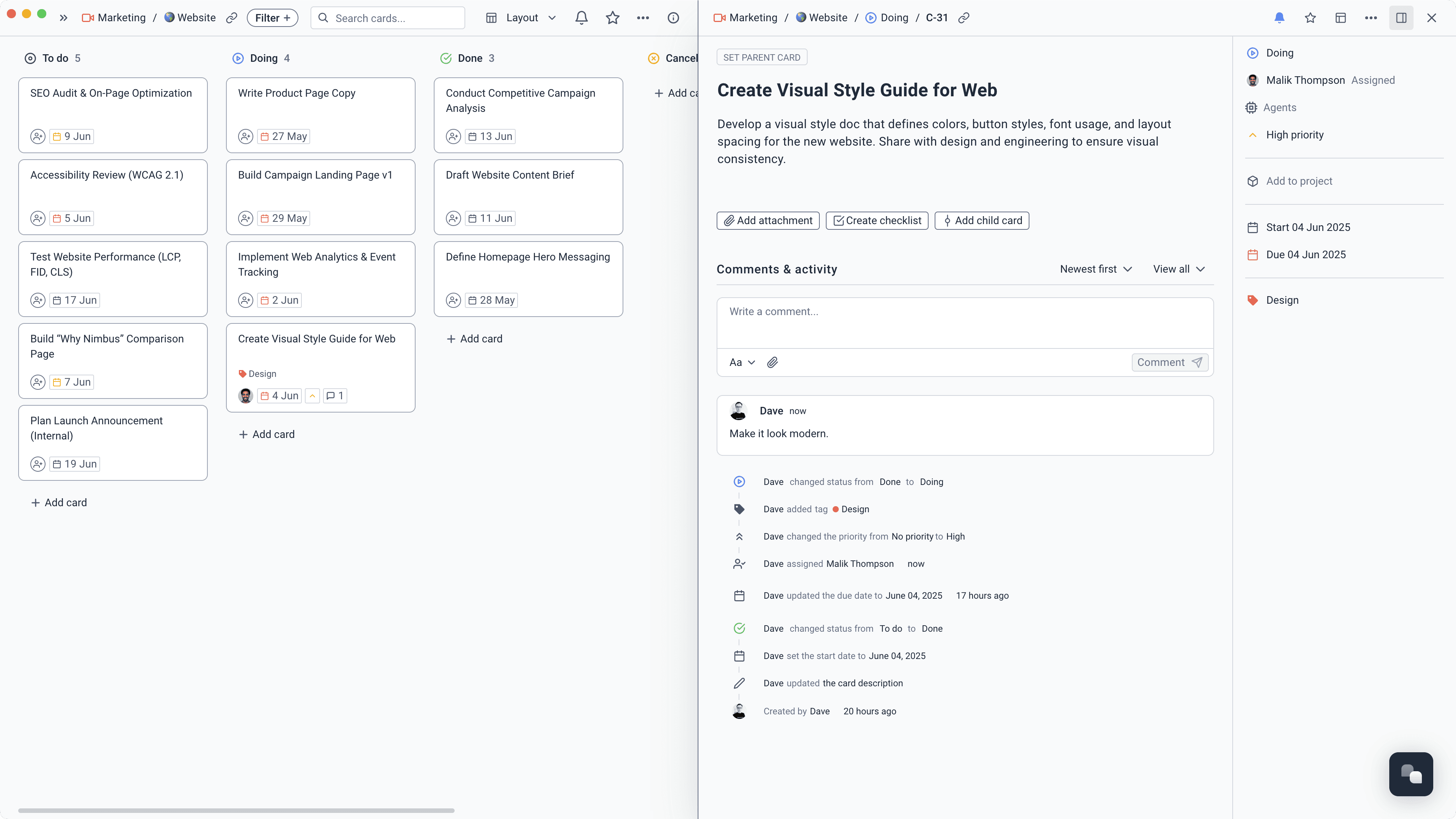
Plan work at the right level
Use projects for the outcome, cards for the work, and subtasks for the detail. Owners, dates, priorities, and dependencies make the plan clear without making it heavy.
Learn more about Plan work at the right level
Tasks, docs, meetings, decisions, and updates live in one fast workspace. The team can do the work without constantly reporting on the work.
Keep the plan, the conversation, and the delivery connected.
Use projects for the outcome, cards for the work, and subtasks for the detail. Owners, dates, priorities, and dependencies make the plan clear without making it heavy.
Learn more about Plan work at the right level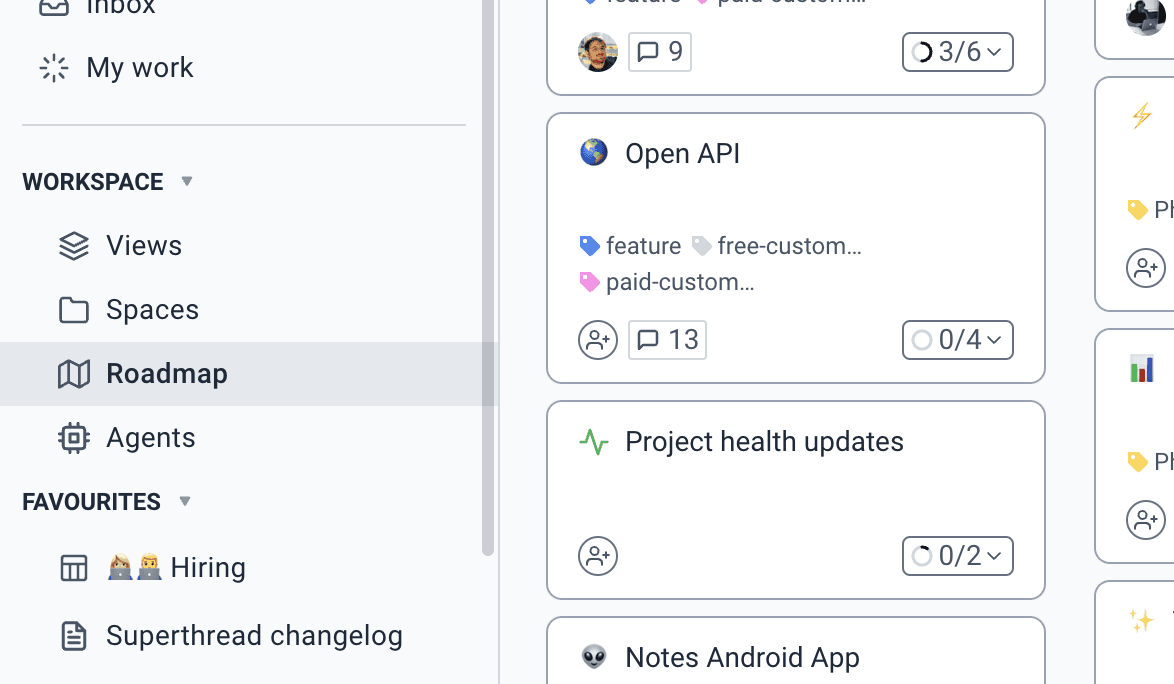
Track active projects together, then open the work that needs attention. Timelines and project views give leaders context without forcing teams into status decks.
Learn more about See the portfolio, not just one board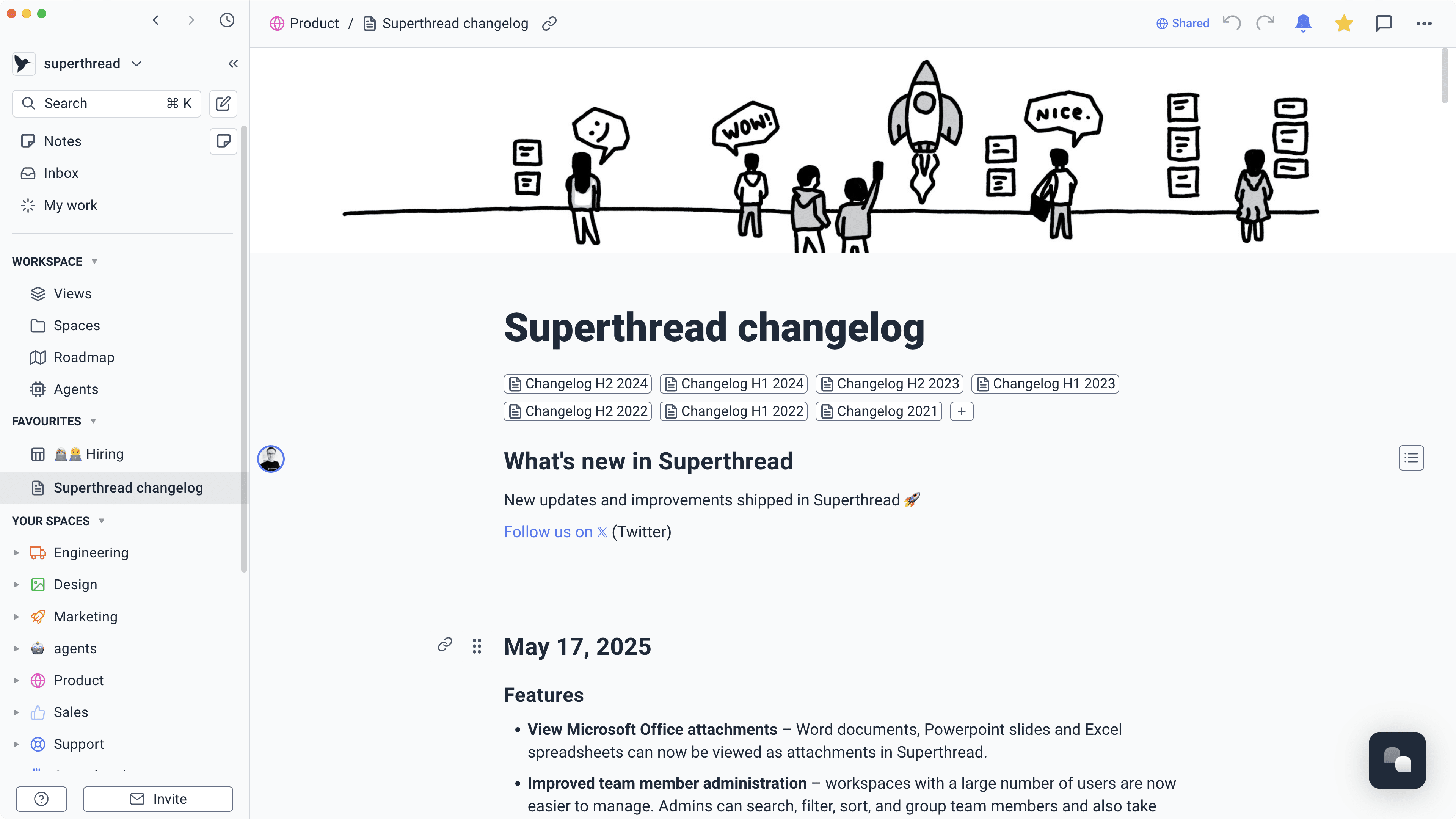
Write briefs, decisions, meeting notes, and project updates in pages that stay linked to the tasks they explain.
Learn more about Keep the plan and the work together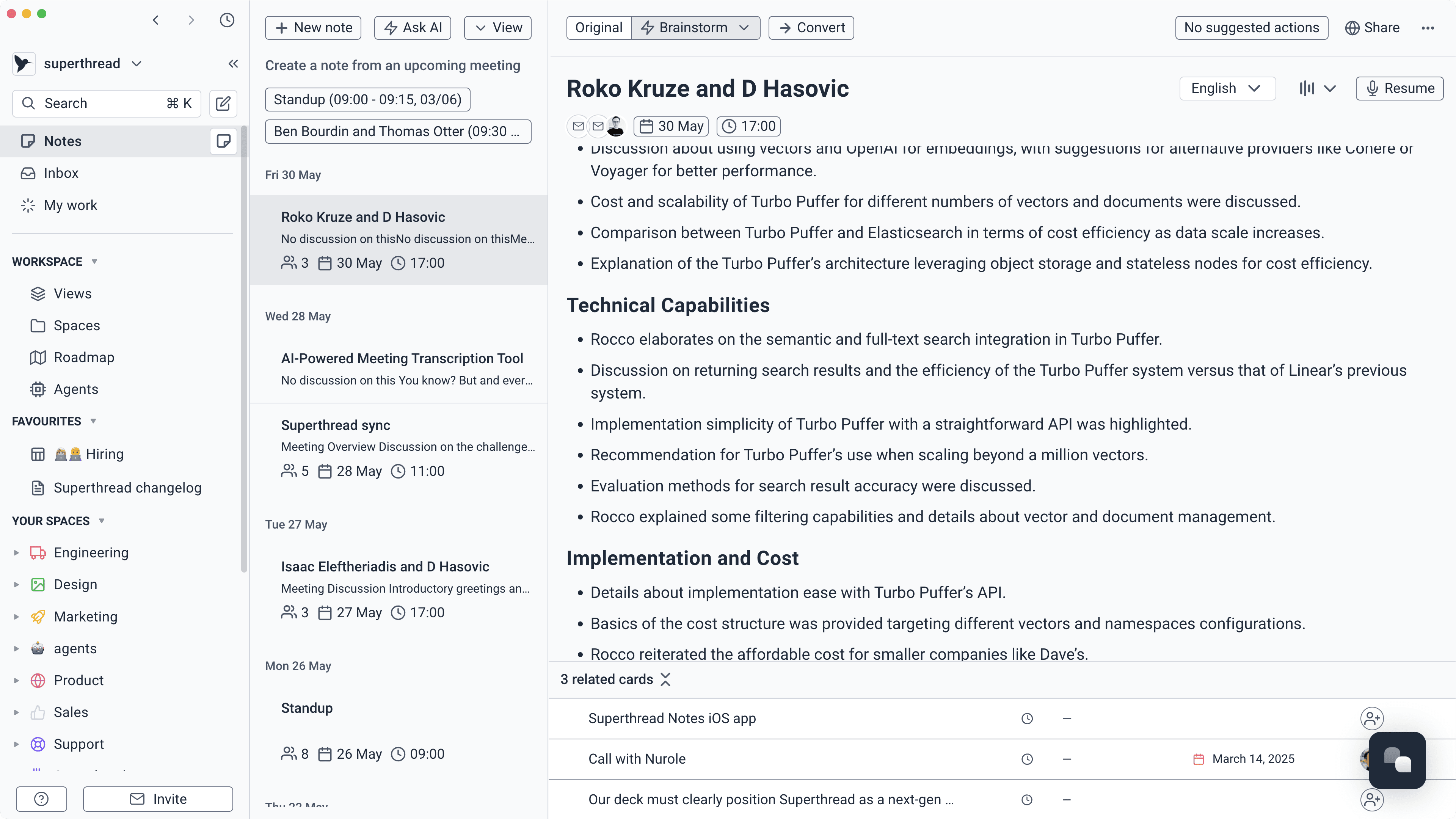
Capture what was said, keep the transcript, and turn decisions into tasks. Follow-up starts before the context disappears.
Learn more about Leave meetings with clear ownershipCreate agents that check progress, surface blockers, prepare updates, and answer questions using the tasks, projects, docs, and meetings already in your workspace.
Learn more about Let agents watch the workCollect structured requests through forms and route them straight to a board. The team starts with the right details instead of another vague message.
Learn more about Give new requests a clean way in
“Superthread transformed how we manage our projects. Its flexibility allows us to tailor workflows for each game.”
Andriy, Co-founder, GrandMA Studios
Read the GrandMA Studios story
Project agents can plan, monitor, update, and report from the live work. They use the same tasks, documents, meetings, and decisions as the people delivering the project.
Turn an approved brief into milestones, tasks, owners, dates, and open questions.
“Turn this approved brief into a first project plan. Create milestones and tasks, suggest owners and dates, and list assumptions for the project manager to review.”
Time saved2–4 hours/week
Show which tasks are affected by blockers, moved dates, or missing owners.
“Review this project's dates, blockers, dependencies, and unowned work. Explain the likely knock-on effects and create the follow-up tasks.”
Time saved2–3 hours/week
Build an update from completed work, decisions, risks, and upcoming milestones.
“Create this week's project update from completed work, open decisions, meeting notes, risks, and upcoming milestones. Link every claim to the source.”
Time saved1–2 hours/week
Add confirmed decisions to the project and turn agreed actions into assigned tasks.
“Review these meeting notes. Add confirmed decisions to the project page and create assigned tasks for every agreed action.”
Time saved1–2 hours/week
Find affected tasks, dates, owners, and decisions before the project absorbs a change.
“Assess this change request against the current project. List the affected work, dates, dependencies, and decisions, then create a review task.”
Time saved1–2 hours/week
Plan, deliver, remember, and report without rebuilding the context each time.
Define the outcome, shape the work, and make ownership clear.
Run the project in the view that makes sense for the team.
Keep decisions, meetings, and project knowledge searchable.
See what moved, what is blocked, and where attention is needed.