Breaking the Bubble: Fixing 80% of Our Interface Through Intense User Testing
Superthread founder David shares raw insights from user testing. Learn how intense feedback led to a collapsible sidebar, visual card moving, and readable URLs.
Breaking the Bubble
We had enclosed ourselves in a bubble as a company. We were working on stuff which looked good to us, but I knew that if we did user tests, it would prove to be wrong.
And so we did. When we did the user tests, which were very, very intense because it was like being behind the two-way mirror, I was shouting at the video because people weren’t clicking on the buttons I thought they were going to click on. We realized that a lot of the things we did wrong needed to be fixed.
Basically, out of all the user tests, we realized that 80% of the stuff which came back was pretty much the same. It was the same stuff. So we prioritized all the things that we could do, and we did them.
A Thinner, Faster Sidebar
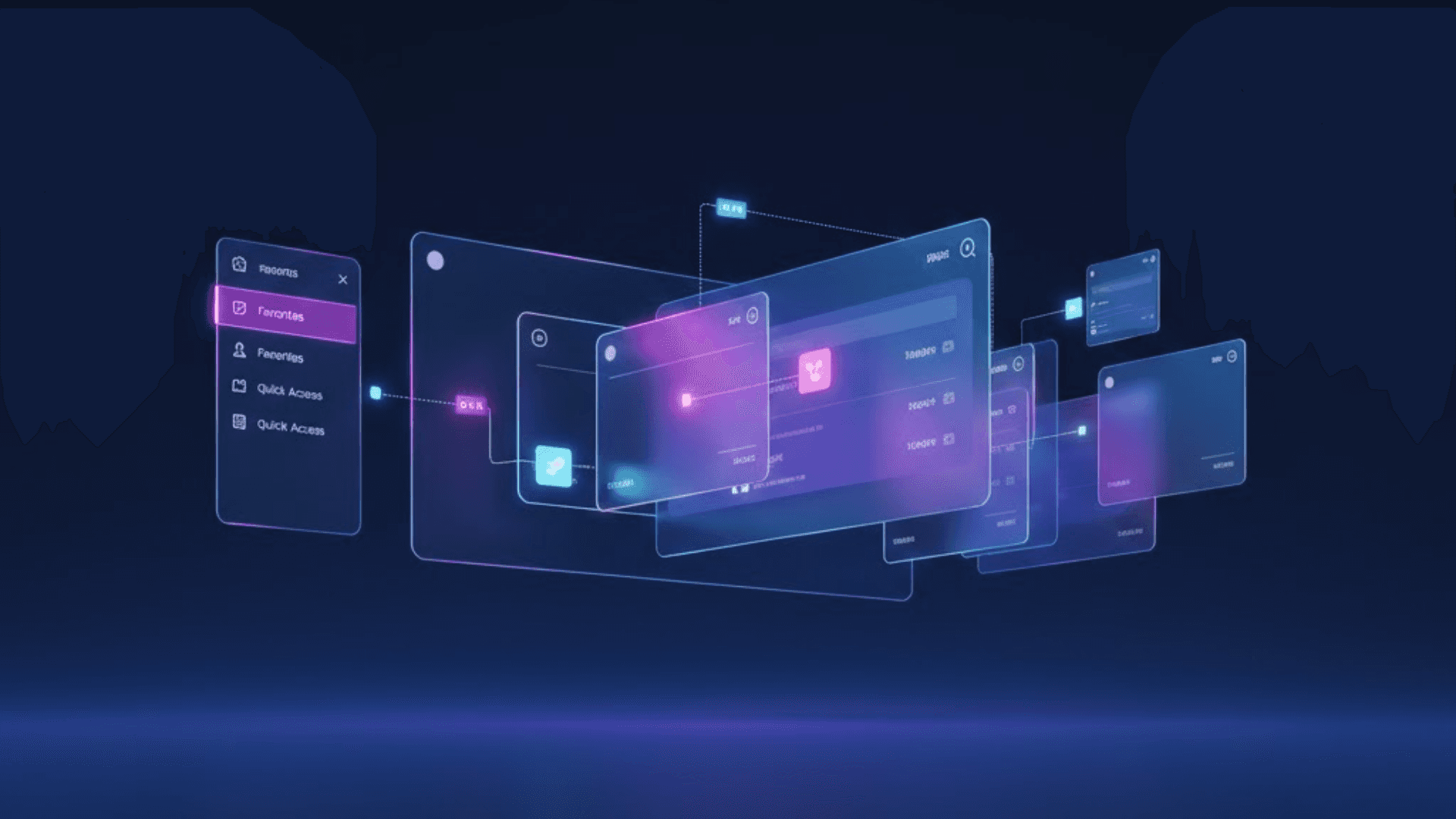
To begin with, we have made the sidebar thinner, and we made it collapsible. It’s really nice and fast, and it works way better on a smaller screen. The sidebar is slightly different compared to before. Now we have the favorites in here, so you can quickly access any of your stuff.
Just to show you, I can launch this Basics page real quick; it shows up immediately. It’s really nice and quick, and you can get to stuff. This is being loaded from the server for now, at least, but it’s as fast as it can get in this kind of way of doing things for now.
Optimizing for the Small Screen
We have changed the projects a little bit. We no longer have the tabs, but instead, we have these expanded projects. You can go to boards and pages by clicking here, and that takes you to your list of boards and pages.
We worked on making the system work on a smaller laptop because a lot of the user tests were conducted on a MacBook Air. We had designed the system so it works on a bigger screen, but we realized we needed to reduce the actual size of cards, reduce the size of the board, and make it nice and easy and workable on a small screen.
Interactive Threads and Readable URLs
The other thing we’ve improved is the actual breadcrumbs, or threads, as I call them. That’s where the name Superthread comes from: the idea being that your company may be the ‘super thread,’ and all the other bits are little threads, like in the olden days with forums.
Right now, you get to see where you are. If you’re in a project called Front End, you can click on it; it’s interactive. When you open up the board, you can see that you’re inside the project that you are inside of.
We also made the URLs for cards readable. Right now, when you click on a card, the URL contains the actual title of the card. We used to send each other links to cards, and people would not know what they were until they opened them. This makes things much easier.
Frictionless Tags and Visual Card Moving
Before, the tags workflow wasn’t entirely intuitive, but right now, it’s super easy. If you type the word ‘bug,’ it allows you to create this bug automatically. If you’re searching for an existing tag, it shows it there. But if you want to create a new one called ‘feature,’ it puts a button there for you, boom, it’s already there and accessible throughout the board.
The other thing we worked on was moving cards. Usually, people move cards by clicking a button and then having to imagine where the card is going. We’ve created a really new feature.
If I want to move a card to the Back End board, I hover over the Back End project, wait for it to double-click, and then I can see the inside of that project, the boards, and I can just drop it inside any column. You can visually move cards now in Superthread.
What’s Next?
We made a lot of fixes as a result of doing our first set of user tests. Of course, we’re going to continue with the same intensity. Right now, we’re in the middle of our second set of user tests, and we are finding that there are lots of issues that we still need to fix. We’re going to be fixing them, and next time we’re going to show you.
Experience a workspace built on real user feedback.
We don’t build in a bubble. We build for speed and usability on every screen size. Sign up for Superthread for free
Further Reading & Resources
- The Anti-Bloat Philosophy: Why we prioritize speed over complex features.
- Superthread vs. Jira: Why teams are switching to a faster, unified alternative.